Short answer: Instagram’s Edits app on the Mac has a setting called Automation. Switch it on, connect Claude Code once, and you can type an edit in plain English, like “trim every clip to 3 seconds and add captions”, and watch it happen inside Edits. I tried it on six clips. The first cut was ready in a few minutes.
Every reel I’ve ever made has the same boring middle: import the clips, cut each one, line them up, add the same title style again, generate captions, fix the order. None of it needs taste. All of it takes time.
So when I found the Automation switch in Edits, I wanted to know one thing. Can I hand over that boring middle and keep the decisions for myself?
Where the switch is
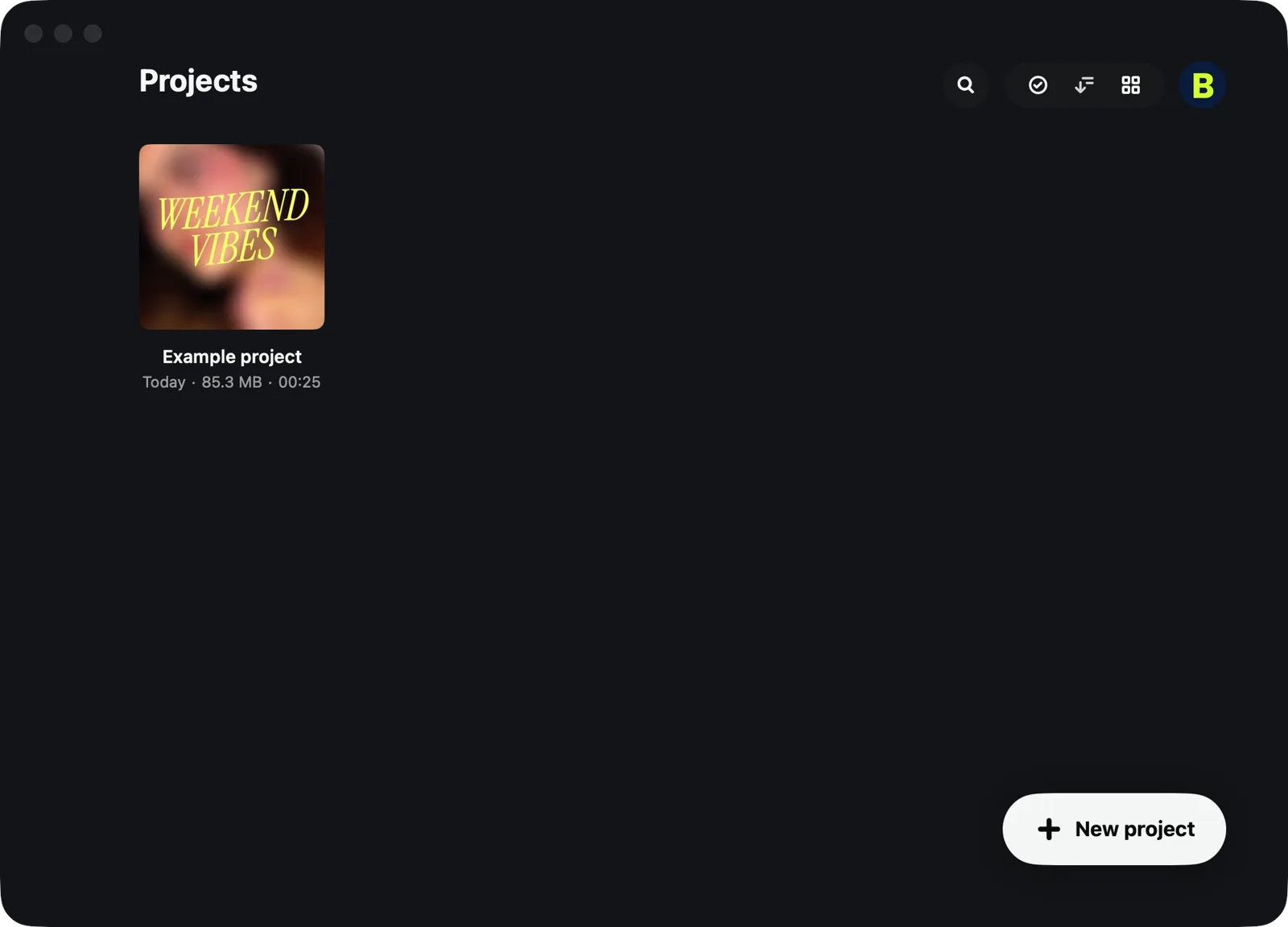
- Open Edits and click your profile picture at the top right.
- In Settings, click Automation.
- Turn on Enable Automation Server.
Edits now runs a small server that only your own Mac can reach (port 19501, on 127.0.0.1). That’s how an AI tool talks to the app.
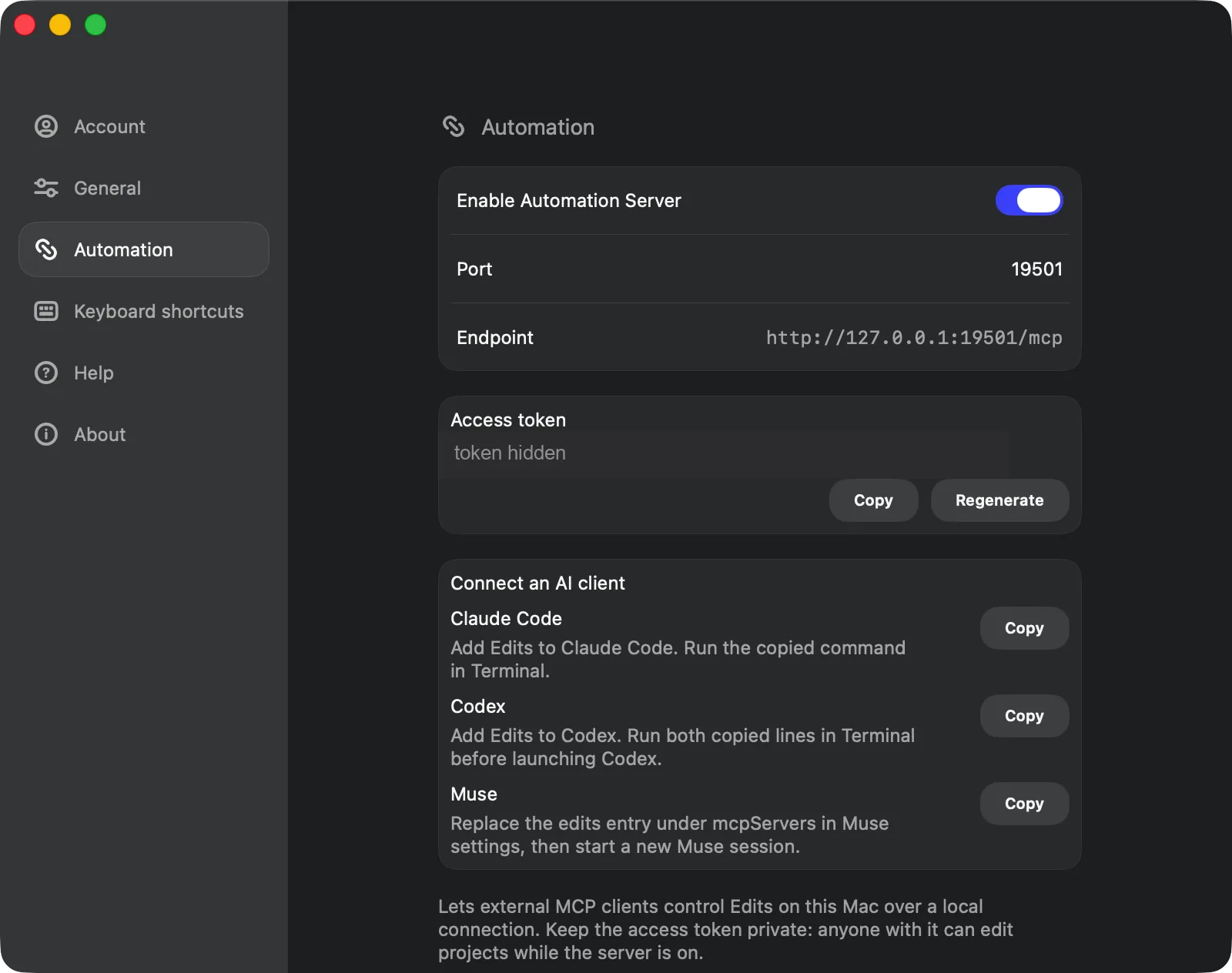
Below it you’ll see an Access token. Anyone who has it can edit your projects while the server is on, so never paste it in a chat, a screenshot or a shared doc. If it ever leaks, click Regenerate.
Connecting Claude Code (one time only)
Under Connect an AI client, Edits lists Claude Code, Codex and Muse. Next to Claude Code, click Copy. It copies a ready-made command with your token already inside. Open Terminal, paste it, press Enter. That’s the whole setup.
One habit that helps: keep your clips in a folder inside Movies, and start Claude Code in that folder. Edits and Claude are then looking at the same place.
What I asked for
I typed one message, the way I’d brief an editor:
Create a new project. Import these six clips in order, trim each to 3 seconds, add a title, put a dissolve between every clip, add a warm filter, and generate captions from the audio.
Then I watched Edits do it:
- Six clips imported in order and cut to exactly 3 seconds each, 18 seconds in all.
- A typewriter-style title on the first clip.
- Five dissolves, one at every cut.
- The same warm filter on every clip.
- Captions generated from what the speaker actually says.
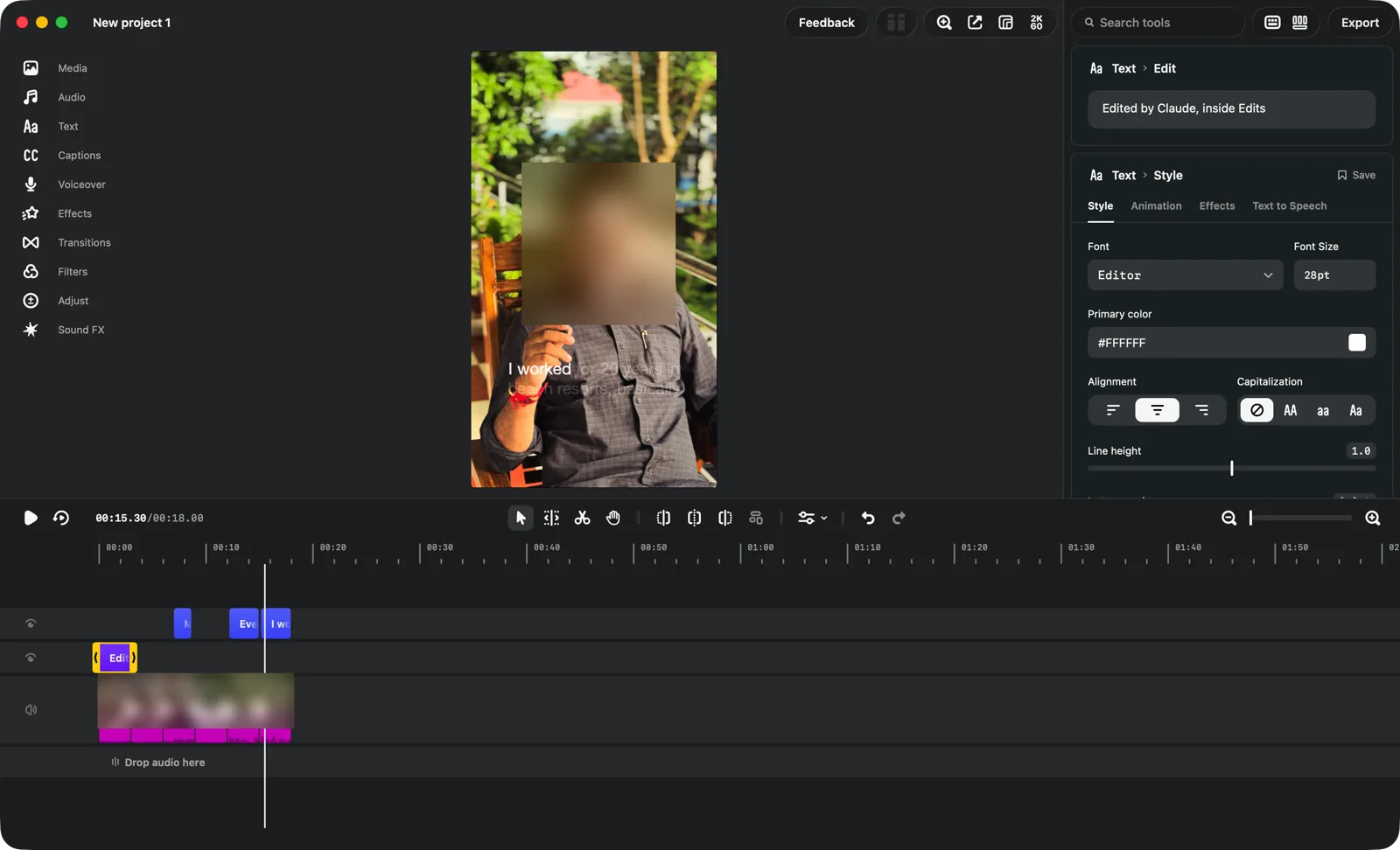

Then I asked Claude to check its own work. It rendered the frames and looked at them. At the first second, the title looked cut off. That was only the typewriter animation still typing; at 2.6 seconds the full line was there. Claude checked before telling me it was done, which is more than some editors do.
What you still do by hand
- The idea and the hook. Which clip opens, what the first two seconds say. No tool decides that for you.
- Music. I pick the track from the Edits library myself.
- Taste. Watch it once, end to end, before you export. This is a first cut, not a finished reel.
Switch it off when you’re done
Settings → Automation → turn off Enable Automation Server. If you think your token was ever exposed, click Regenerate first. With the server off, no app can control Edits.
Quick check: tap to see the answer
Does Claude get access to my whole Mac?
The Edits connection only controls Edits, and only while the server is on. Claude Code itself works in the folder you start it in, so start it in your reels folder, not your home folder.
Do I need to know coding?
No. You paste one command once. After that, you type what you want in plain English.
Can my team use this for client reels?
Yes, for the repetitive part: the rough cut, titles and captions. Keep the hook, the music and the final check with a person.
Try this in 5 minutes
- Put 5 or 6 phone clips into a folder inside Movies.
- Turn on Automation in Edits and connect Claude Code.
- Ask for one thing only: “Import these clips in order and trim each to 3 seconds.”
- Look at the timeline. Then ask for the next change.
AI didn’t make my reel better. It made the boring hour disappear, so that hour can go into the idea.
Tested on my Mac in November 2026 with Instagram’s Edits app and Claude Code. Settings and menu names may change as the app updates.